Native Native Desktop Log Viewer

Built for focused log analysis on macOS, Windows, and Linux, with fast interaction, large-file navigation, and practical system integration.

Private Your Data Stays Local

Log files never leave your machine. No uploads, no cloud processing, no account required.

Offline Works Offline

Full functionality without an internet connection. Analyze logs on a plane, in a data center, or behind a firewall.

Why LogoRRR

Developers who want visual, local-first analysis of multi-gigabyte logs in a cross-platform desktop GUI.

Platforms
macOS, Windows, Linux
Local / offline
Files are processed on the desktop; no server is required.
Trade-offs
  • No regular-expression search, remote ingestion, triggers, or AI assistance.
  • Line-oriented analysis does not provide rich JSON/XML field parsing.
  • Multiple files open together, but are not chronologically merged into one stream.

Filter, Search & Explore

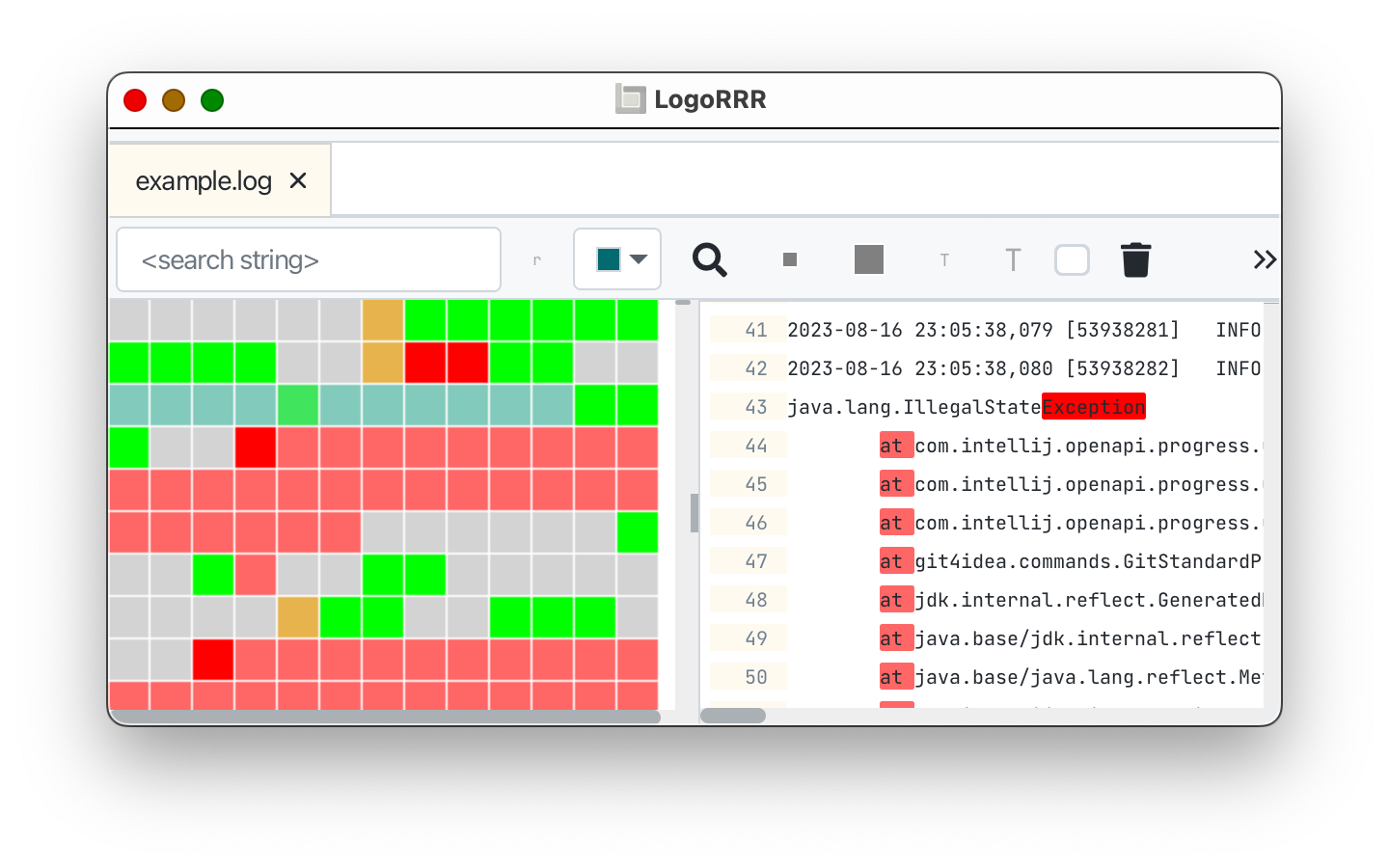
Use the interactive block view to spot error clusters at a glance. Apply filters, search multiple log files, and navigate to any event in seconds.

See the whole incident Visual map
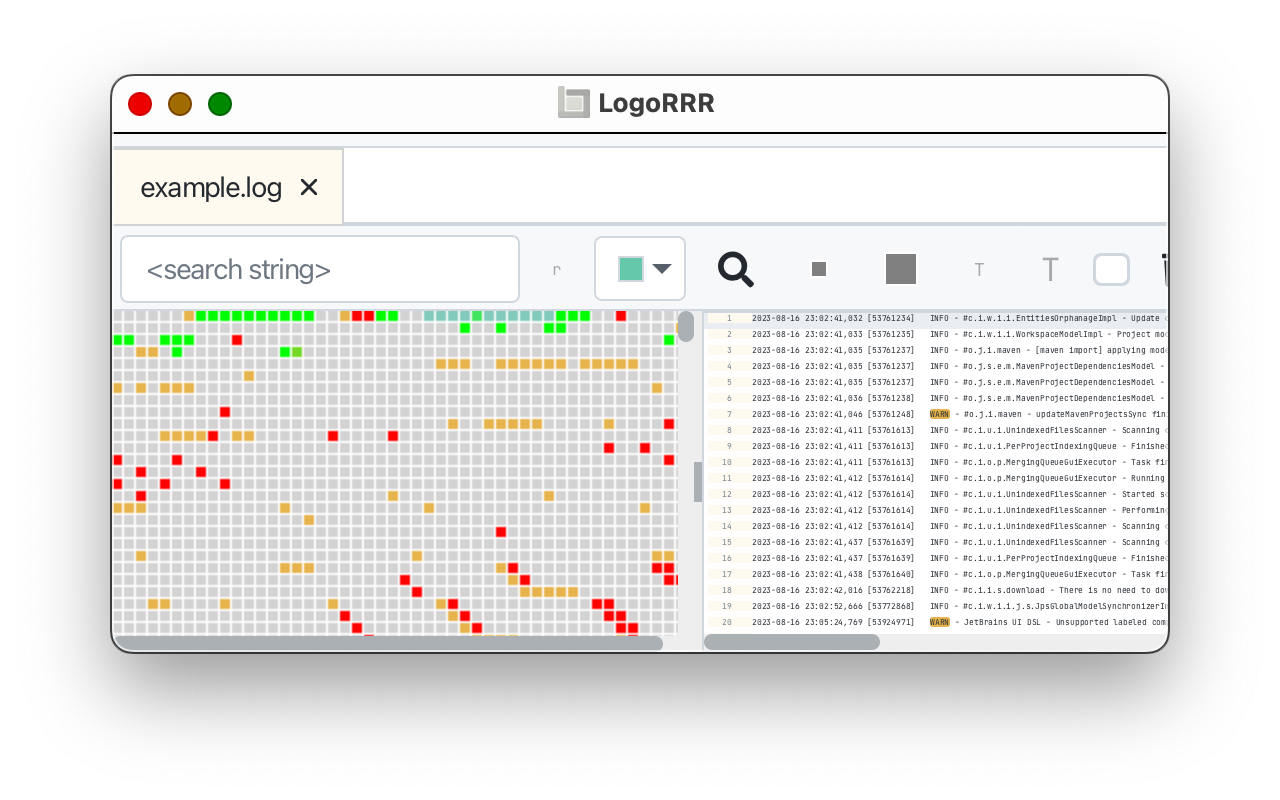
LogoRRR maps a complete log file beside the original log lines and its time-based activity view.
Find the signal fast Color-coded search
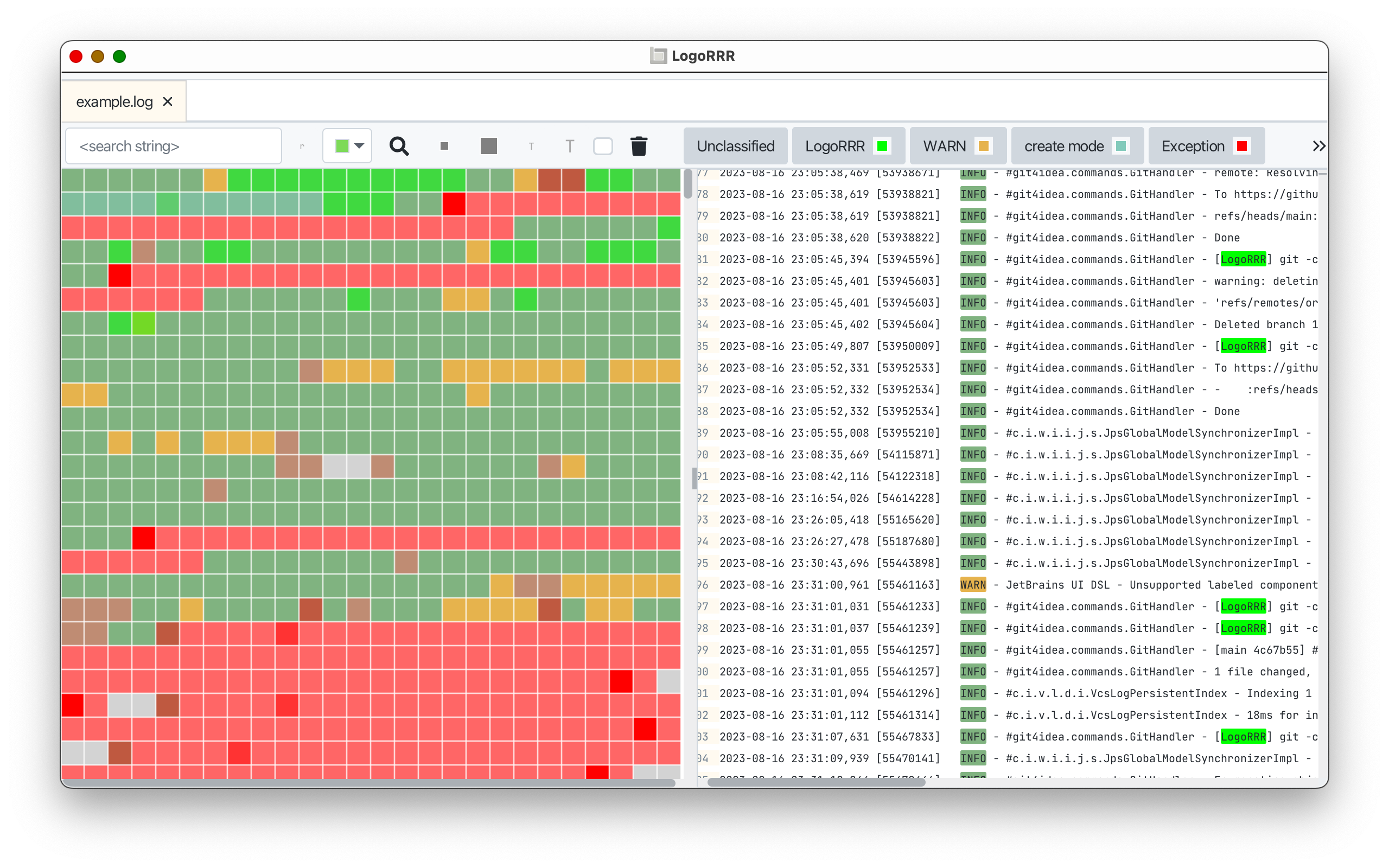
LogoRRR color-coded search highlights related severity patterns across the visual map and log text.
Compare in context Linked views
Two LogoRRR windows compare related logs with linked visual maps, original text, and timelines.

Your Data Stays Local

Log files never leave your machine. No uploads, no cloud processing, no account required.

  • Built for focused log analysis on macOS, Windows, and Linux, with fast interaction, large-file navigation, and practical system integration.
  • Full functionality without an internet connection. Analyze logs on a plane, in a data center, or behind a firewall.

Quick Start

  1. Download & Install

    Pick the package for your platform above. Run the installer or open the app bundle — no runtime dependencies required.

  2. Open Your Log Files

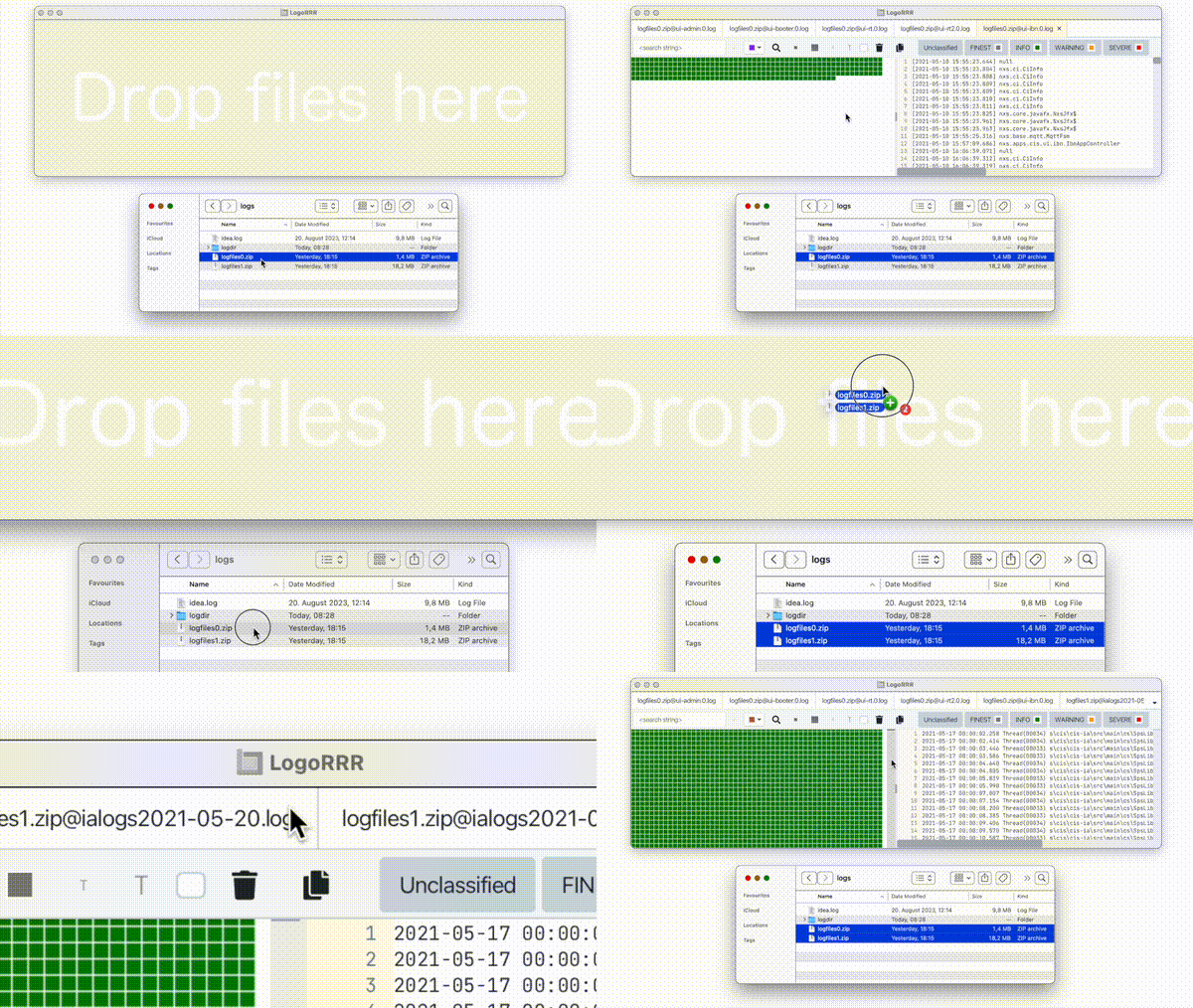
    Drop a log file, directory, or supported compressed support bundle onto the window. LogoRRR opens regular files directly and imports bundles into the extraction folder you choose.

  3. Filter, Search & Explore

    Use the interactive block view to spot error clusters at a glance. Apply filters, search multiple log files, and navigate to any event in seconds.

Social media

Official LogoRRR accounts for product news, practical log-analysis tips, and release updates.